
MeowbertAn AI agent server you run yourself
Describe a job, and an agent works on it in its own sandbox. A reviewer can check the result, and you get a message when it's done.
Describe a job, and an agent works on it in its own sandbox. A reviewer can check the result, and you get a message when it's done.
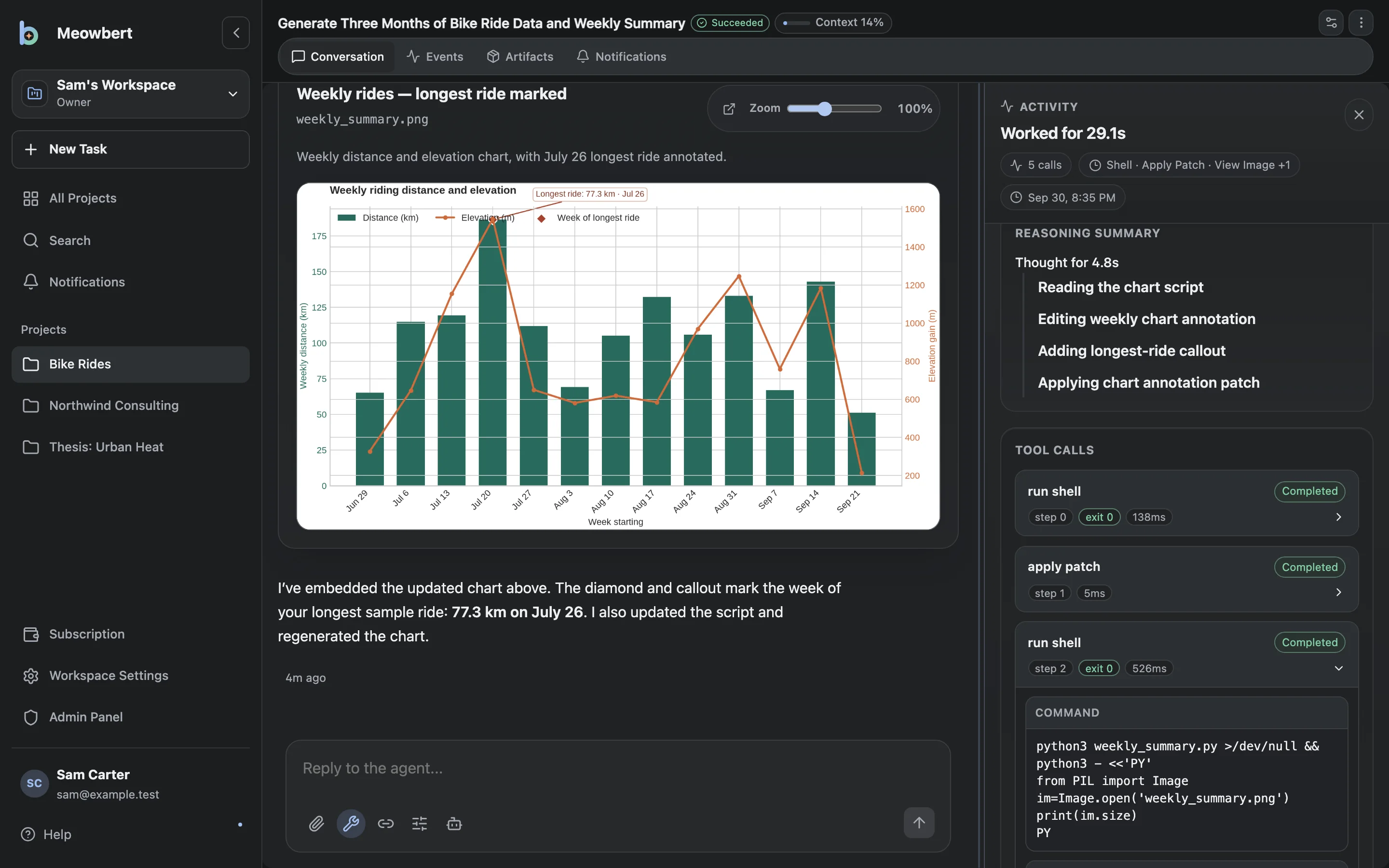
Someone gave you an account. You don't need to install anything. Sign in, then read Projects and tasks to learn how work is organized, and run your first task below.
You want your own server. Follow the Quickstart. It takes about ten minutes on a Linux machine with Docker, plus the time to download the images.
frameworks.md." The Master writes a brief and starts a task.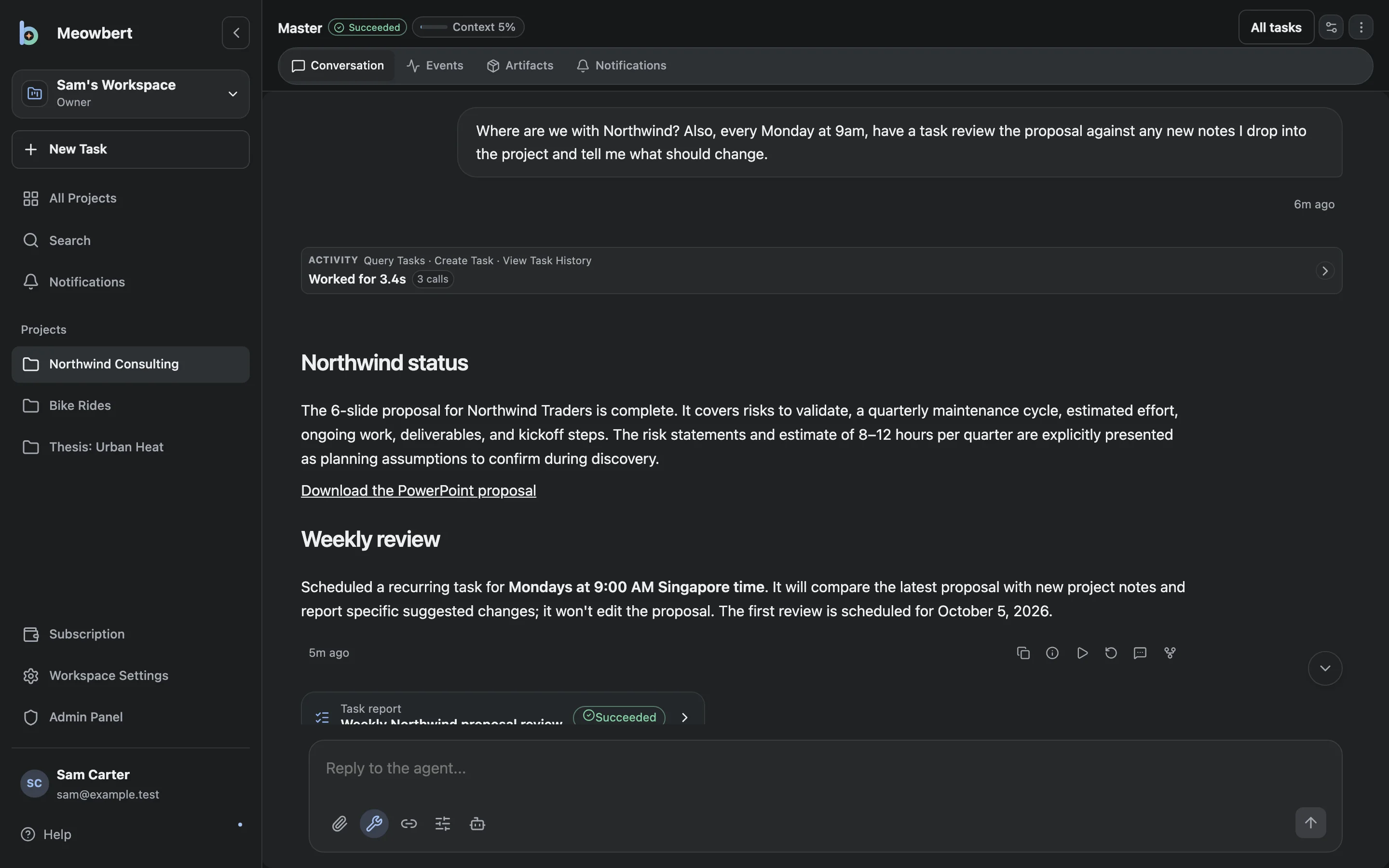
| I want to… | Read |
|---|---|
| Start and steer tasks | Task Composer, Task Follow-up |
| Run a task every morning, or for hours | Scheduled & Infinite Tasks |
| Have a reviewer check big jobs | Workflows & Agent Swarm |
| Send tasks from Telegram, Discord, GitHub or email | Connectors |
| Use the desktop app | Desktop App |
| Add models | Models & Providers |
| Lock down the sandbox | Sandbox & Security |
| Fix something | Common Issues |